
Ancestry is a handy gem for building tree structures or taxonomies in your Rails applications. It’s similar to the likes of the acts_as_tree plugin (see the Railscasts tutorial). The project wiki has several ideas for ways to put Ancestry to use; in this post I’ll cover a couple of basic uses to get you rolling with some common applications of the gem.
Follow the instructions provided in Ancestry’s README to add it to your application. It’s very straightforward: Install the gem, generate and run a migration, and add has_ancestry to any model you’d like to turn into a tree. For example, you might have a hierarchy of categories; once you’ve installed Ancestry this can be created with
  # app/models/category.rb

  class Category < ActiveRecord::Base
    has_ancestry

    # rest of model
endThe nice thing about Ancestry is how easy it makes it to work with a given object in your tree, its parents, and its children. It does this through more than 20 useful instance methods and several scopes. Among the ones you may want to start with:
Category.roots.@category.children gives you a collection of a given category’s subcategories.@category.ancestors.@category.parent will give you the category’s parent category. Useful if you want to include a back link in your view.A practical use of Ancestry is to help visitors navigate your site through breadcrumbs. This is easy to add to your view:
  # app/views/category.show.haml

  %div#breadcrumbs
    = link_to 'Home', categories_url
    >
    - @category.ancestors.each do |a|
      = link_to a.name, a
      >
That’s all there is to it to help your site visitors navigate your content more easily.
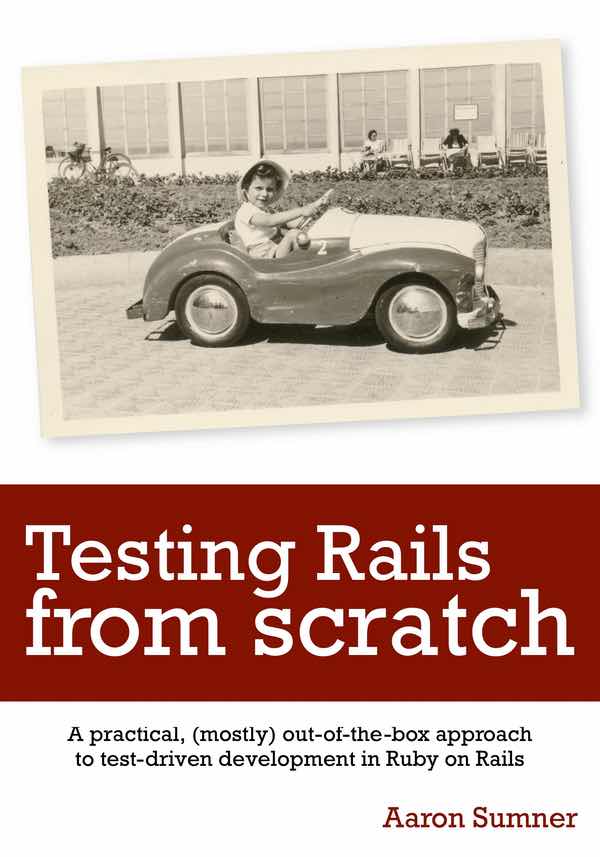
Join me on a thought experiment: How does my time-tested approach to testing Ruby on Rails applications apply to the tools we get from the framework? Whether you're new to Rails testing, or curious about the default testing stack, Testing Rails from Scratch gives you a pragmatic, end-to-end introduction to test-driven development. Covers Rails 8.1 and Ruby 4.0. Early release now available for sale on Leanpub!
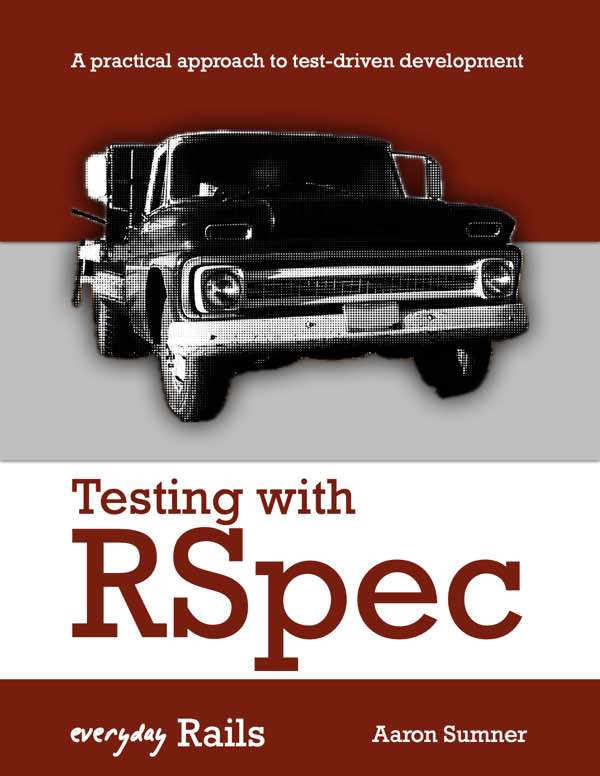
If you liked my series on practical advice for adding reliable tests to your Rails apps, check out the expanded ebook version. Lots of additional, exclusive content and a complete sample Rails application. Updated in 2026 to Rails 8.1 and Ruby 4.0!
Software development news and tips, and other ideas and surprises from Aaron at Left of the Dev. Delivered to your inbox on no particular set schedule.